


Raging Bull Casino
How to use mobile app
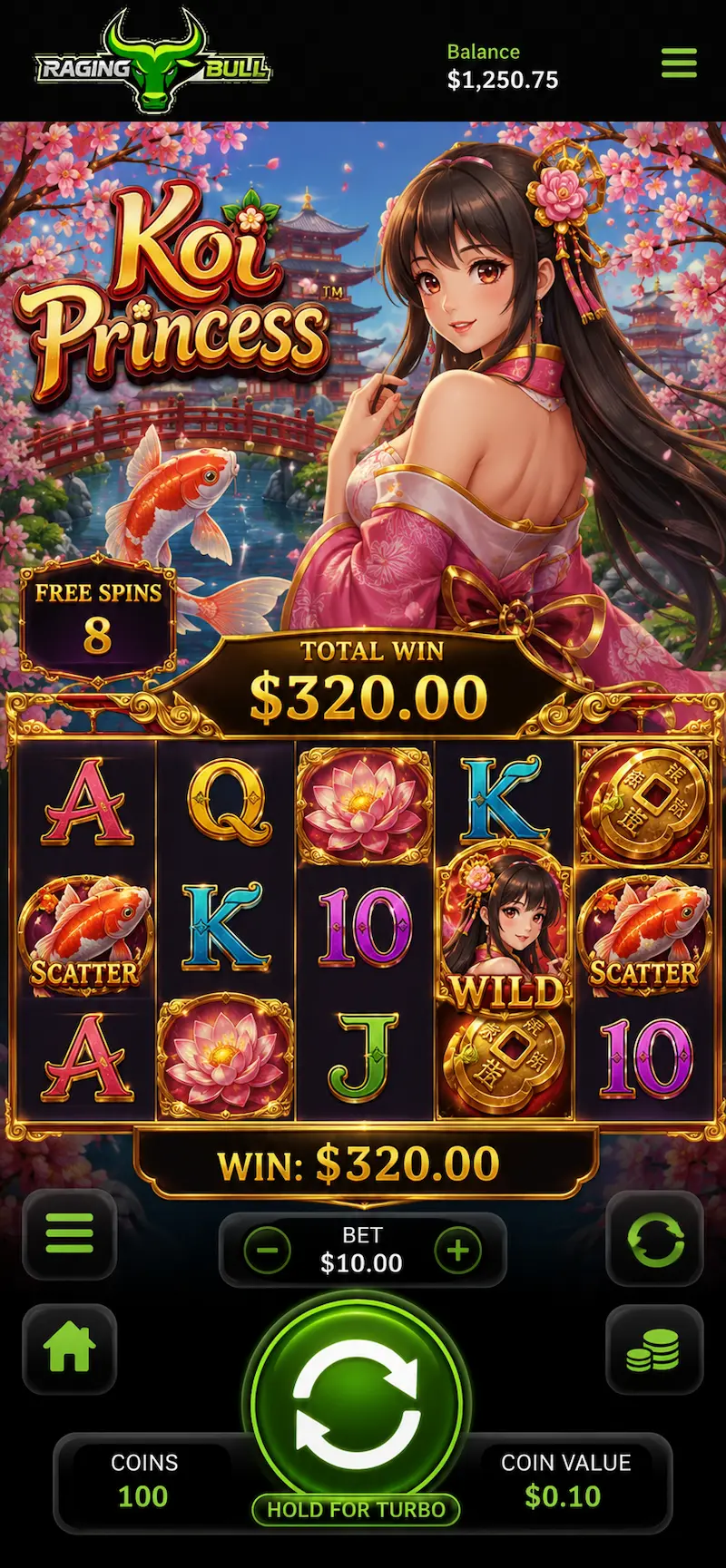
Raging Bull runs smoothly on phones and tablets, so players can spin, deposit, and chat with support without a desktop tab open.
Raging Bull operates under Anjouan Remote Gaming License №ALSI-202409021-F12. Mobile play uses the same wallet and account as desktop.
After you complete Login, you can install shortcuts, enable notifications, and manage deposits from the same profile you use on desktop. Many users also check the latest Bonus campaigns directly from the mobile casino. Brand story and support sit on About us.
Device Requirements
| Platform | Needs | Network |
| Android phones | Android 8.0+ – Chrome or Samsung Internet | Stable 4G or Wi-Fi |
| iPhone / iPad | iOS 14+ – Safari | Wi-Fi preferred for first load |
| Huawei phones | Current EMUI browser + installed app | Avoid unknown download sites |
Install on Android
- Open Chrome on your Android phone and go to Raging Bull.
- Tap the menu icon in the top-right corner, three dots.
- Select Add to Home screen or Install app if the prompt appears.
- Confirm the name and tap Add. The icon appears on your home screen.
- Tap the new icon, sign in with your email and password, and allow notifications if you want promo alerts.
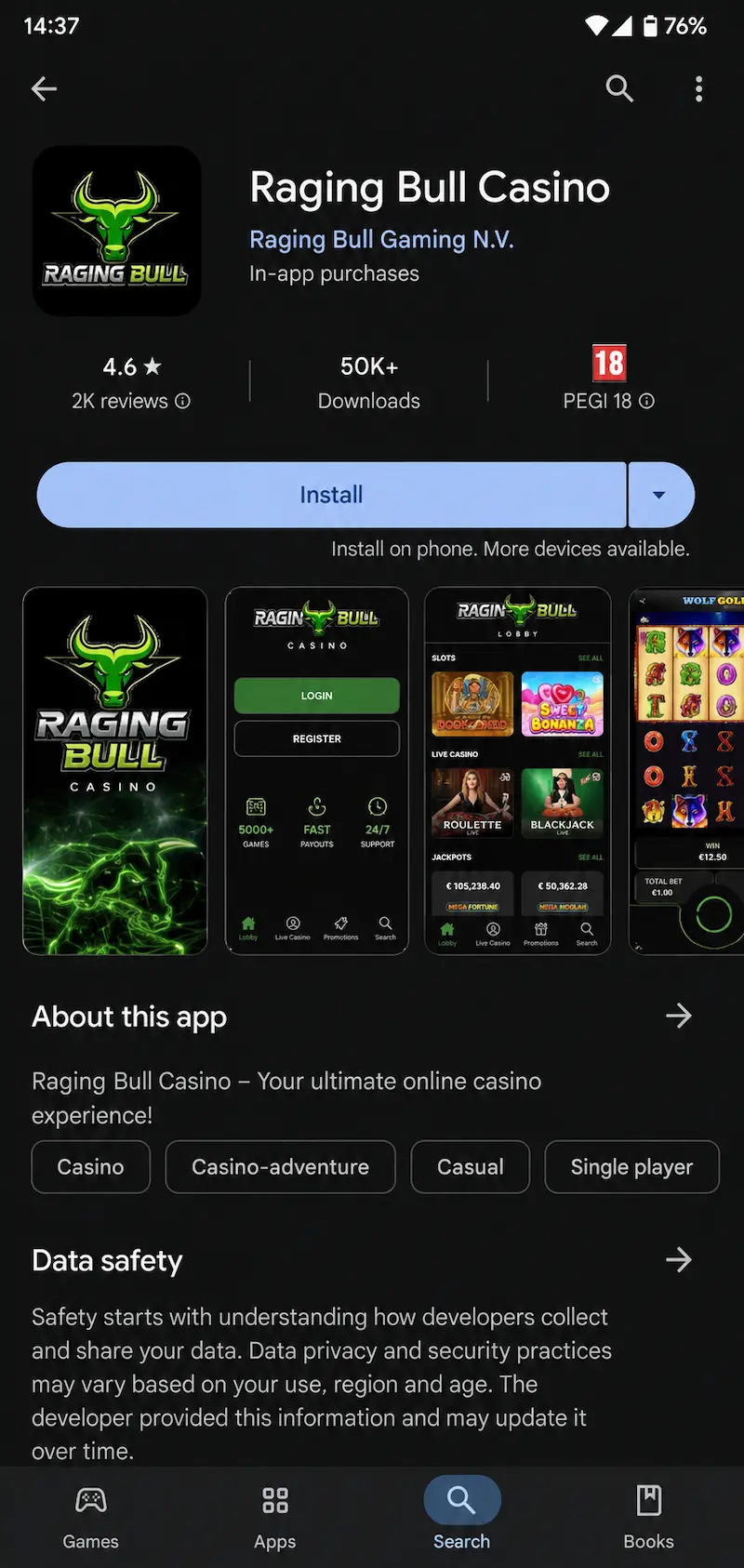
If we offer a direct app download in your region, use only the official link from Raging Bull. Do not install casino apps from unknown file-sharing pages.
Install on iOS
- Open Safari on your iPhone or iPad and visit Raging Bull.
- Tap the Share button at the bottom of the screen, the square with an arrow.
- Scroll down and tap Add to Home Screen.
- Edit the shortcut name if needed and tap Add in the top-right corner.
- Launch the icon from your home screen, log in, and open casino games or the cashier from the menu.
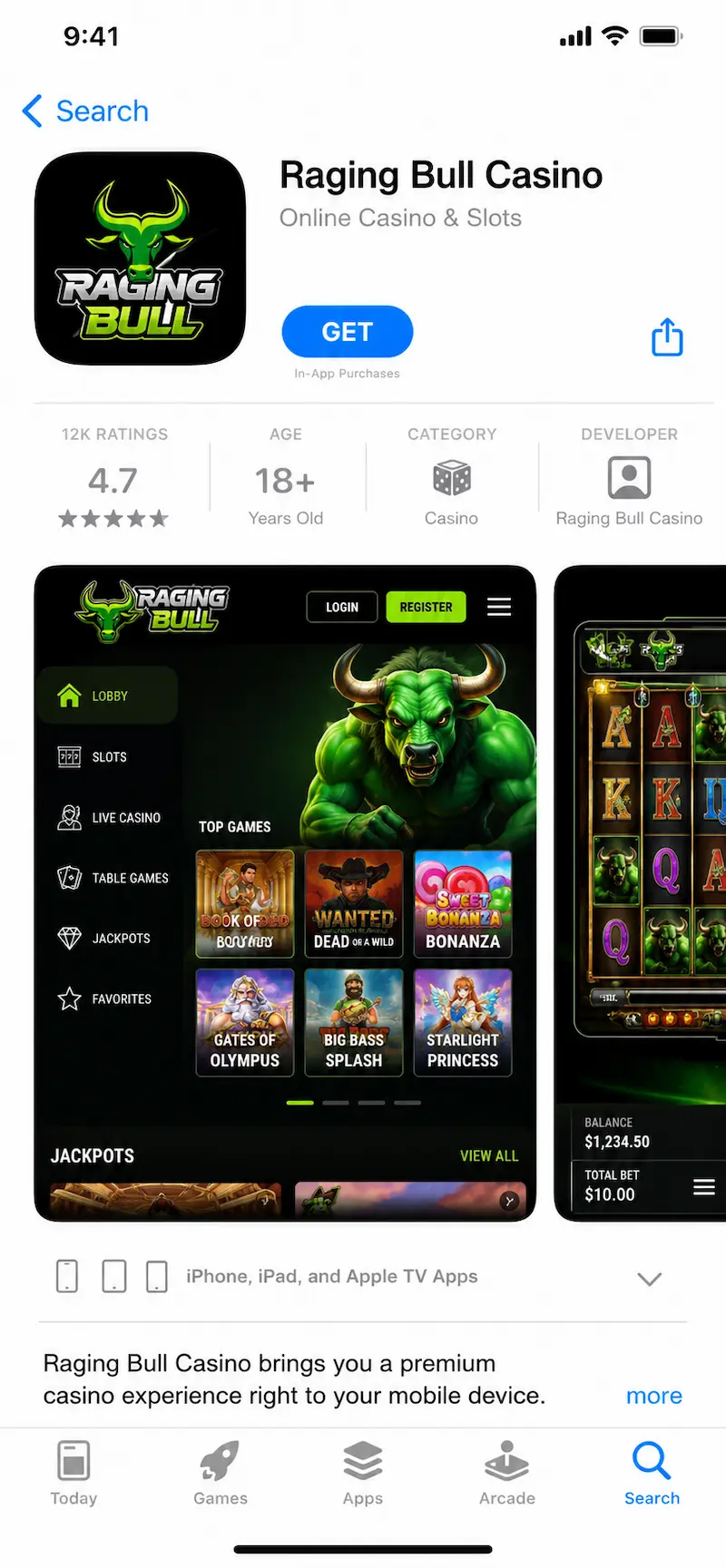
Apple does not always list casino apps in the App Store for every region. The mobile app or installed app with cashier support is the safest official route when a native iOS build is not available.
Install on Huawei
- Open the default browser on your Huawei device and go to Raging Bull.
- Tap the browser menu, then choose Add to Home screen or Install when shown.
- Confirm the shortcut. If AppGallery does not list our app, do not sideload unknown app files.
- Open the shortcut, sign in, and test a game in demo or real mode after login.
- Enable mobile data or Wi-Fi permissions for the browser if games fail to load.
Huawei devices without Google services still run the mobile site through the browser shortcut. Keep your browser updated for the best performance.
Features on Mobile
- Full online casino game list with search and favourites
- Secure deposits and withdrawals from the wallet section
- Live chat or support links where available
- Responsible gaming tools such as limits and session reminders
Performance may vary by device and connection. For the best results, keep your operating system and browser updated. If a game fails to load, refresh the session or switch to Wi-Fi before contacting support.
Security
Security on the mobile app includes encryption, device alerts, and optional two-factor authentication.
- Encrypted data transmission
- Optional two-factor authentication
- Biometric login
- Login alerts for new device access
- Secure in-app document upload
Downloads should only be completed through official app store listings.
Payments in the App
Payments in the app use local currency for deposits and withdrawals where the cashier supports.
Payments in the app support CAD with common deposit and withdrawal methods such as:
- Interac e-Transfer – Instant deposits; withdrawals up to 3 business days
- Visa / Mastercard – Instant deposits; withdrawals where supported
- iDebit / Instadebit – Instant deposits; withdrawals typically 1-3 business days
- E-wallets – Instant deposits; withdrawals generally 24-72 hours
- Prepaid vouchers – Deposit only; withdrawals via alternative method
Minimum deposit amounts, withdrawal limits, and processing times depend on the selected method and verification status. KYC verification is required before the first payout.
Desktop Synchronization
Mobile and desktop share one account, one wallet, and synced bonus progress.
- One account
- One wallet balance
- Unified bonus tracking
- Synchronized wagering progress
Mobile-only extras include biometric login, push alerts, and flexible screen orientation.
- Biometric login
- Push notifications
- Flexible screen orientation for selected games
Gameplay progress automatically syncs between devices.
App Updates
iOS
- Updates delivered through the Apple App Store
- Automatic updates can be enabled
Android
- Updates delivered via Google Play
- Accept update prompts when available
Ensure at least 500 MB of free storage
Major updates may require re-login for security purposes.
Troubleshooting
If installation fails:
- Check available storage
- Restart the device
- Switch to a stable internet connection
- Reinstall from the official store
If the app does not launch:
- Close background applications
- Update the operating system
- Reinstall the app
If issues persist, contact support and provide device model and OS version.
Compliance
Licensed under Anjouan Remote Gaming License №ALSI-202409021-F12
CAD supported for deposits and withdrawals
Identity verification required before first withdrawal
Responsible gambling tools available in account settings
FAQ
Do I need to download the app?
Not always. Installing the casino as an app on your phone is enough for most players. Use an app file only from our official page when we offer one.
Is the phone browser enough?
Yes for quick play. An installed app opens the casino faster and can send promo alerts. An app file adds extra phone features where allowed.
What if games lag on mobile?
Switch to Wi-Fi, close background apps, update the browser, or reopen the installed app.
Compatibility and Updates
Raging Bull supports current versions of major mobile browsers. App updates may roll out automatically or through the official download page. Always install updates from official sources only.
Explore Raging Bull titles and jackpots from the mobile catalog after login. For legal and privacy information, see our Privacy Policy, Terms and Conditions, and Responsible Gaming resources.